 Collision iQ
Intelligence. Precision. Better outcomes.
See how Collision iQ reviews a repair
A three-minute walkthrough of the workspace, reports, and Value iQ — then sign in and run your first review.
Short tutorials
One topic at a time.
Pick a job in the Shop
Six jobs, from enhancing an estimate to Value iQ, each one set up for you.
Matching photos to estimate lines
The AI labels each photo and proposes the line it supports. You confirm the matches.
What Collision iQ does
One platform for the whole collision claim.
Estimate comparison
Line-by-line differences between a shop estimate and an insurer estimate or supplement.
Citation reports
Repair positions tied to OEM repair procedures and position statements.
Forensic reports
A full forensic analysis of an estimate, with open items called out.
Customer reports
The outcome explained in plain English for the vehicle owner.
Dispute handling review
Checks how a claim was handled against the law of the jurisdiction it sits in.
Estimate enhancer
Finds what an estimate is missing so it can be corrected before it is sent.
Diminished value and ACV reports
Value iQ reports prepared for submission to the insurance company.
Learns daily
What Collision iQ learns each day is published in The Daily iQ newsletter.
Your first session
Signing in for the first time? Here's the path.
After you sign in you land in the Analysis Workspace. Three steps take you from files to a finished report.
- 1
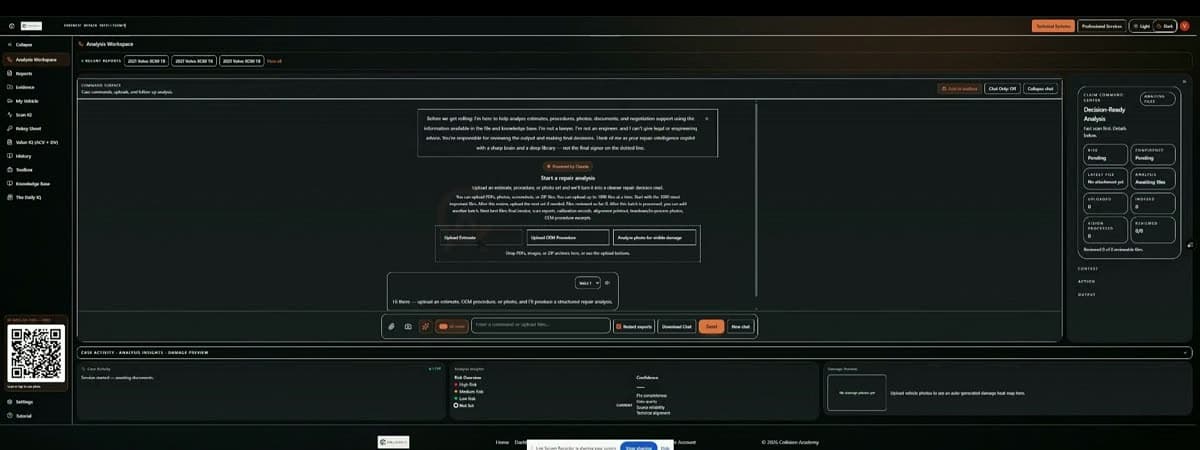
Upload your files
Drop estimates, supplements, OEM procedures, scan reports, or damage photos into the Analysis Workspace. PDFs, images, and ZIP archives all work — scanned PDFs are read automatically.
- 2
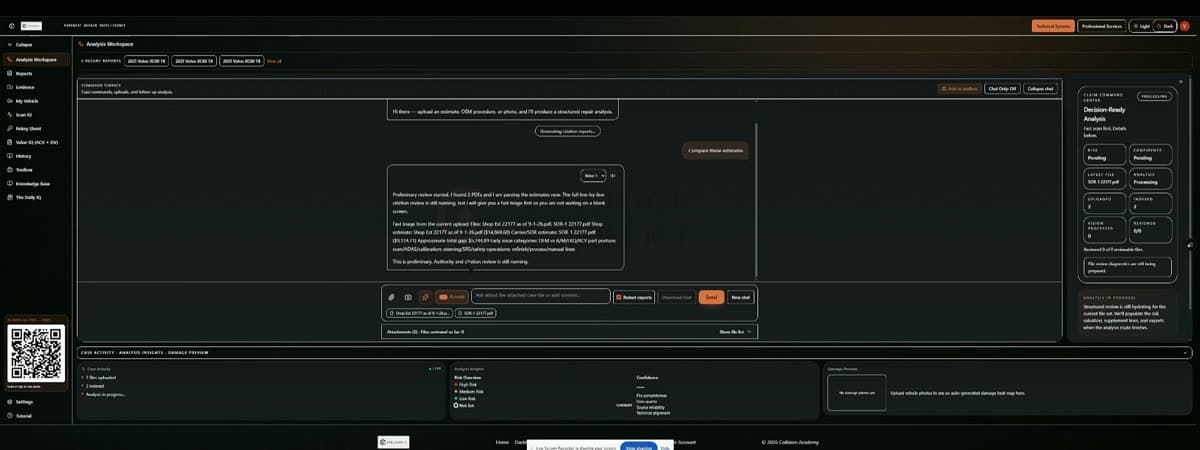
Ask in plain English
Type what you need — “compare these estimates” or “what's missing from this repair plan?” Quick answers are the default; switch on iQ mode for a researched review with citations.
- 3
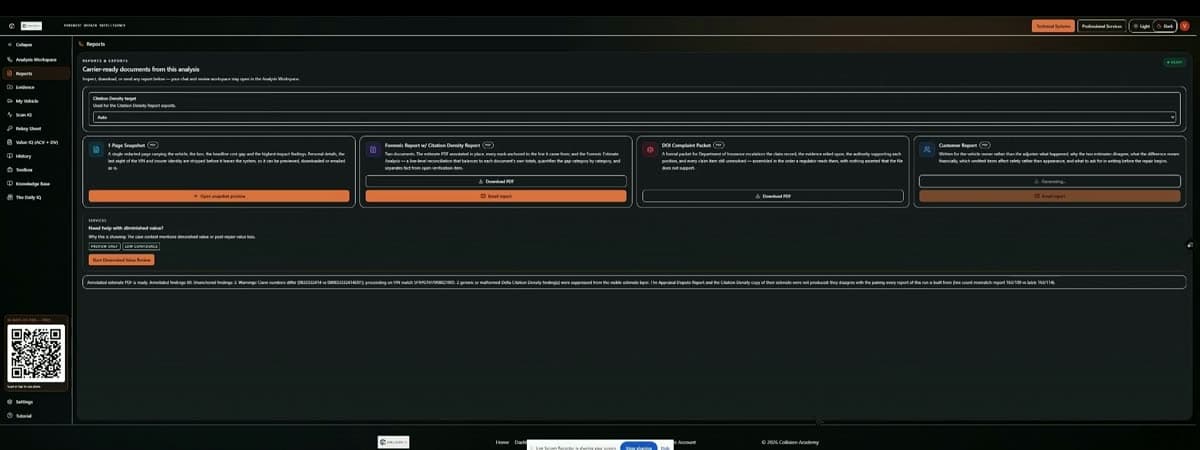
Generate your report
Turn the review into a Repair Intelligence report, an Estimate Delta / OEM Citation Density report, or a customer report — then download or share it from Reports.
Evidence first
Findings are tied to your uploaded documents and OEM authority. Anything unproven is labeled as an open item, not stated as fact.
Guided from day one
The first time you open the workspace, a short guided tour walks you through every panel. Restart it any time from Tutorial in the sidebar.
Value iQ
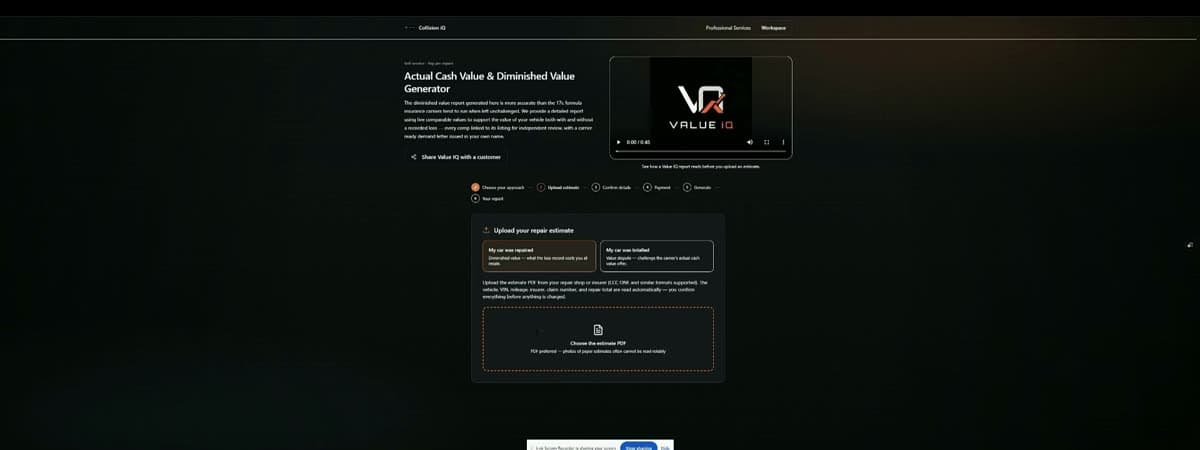
ACV & diminished value reports
Market comparables, the carrier's own formula, and a demand letter — pay per report.
Learn more